OPTIMIZE · GITHUB
Audit a GitHub-hosted site, fix it with a real pull request
For a site you or a client built outside bizvoid: connect its GitHub repo, audit the live site into a flaw score, and push the fix as an actual GitHub pull request, one you review and merge yourself. Nothing is committed or deployed automatically.
Create public/robots.txt with a permissive rule set so search engines can crawl the site.
(new file)
User-agent: *
Allow: /
Watch: SEO clients from the audit (1 min)
How it works
1.Audit the live site
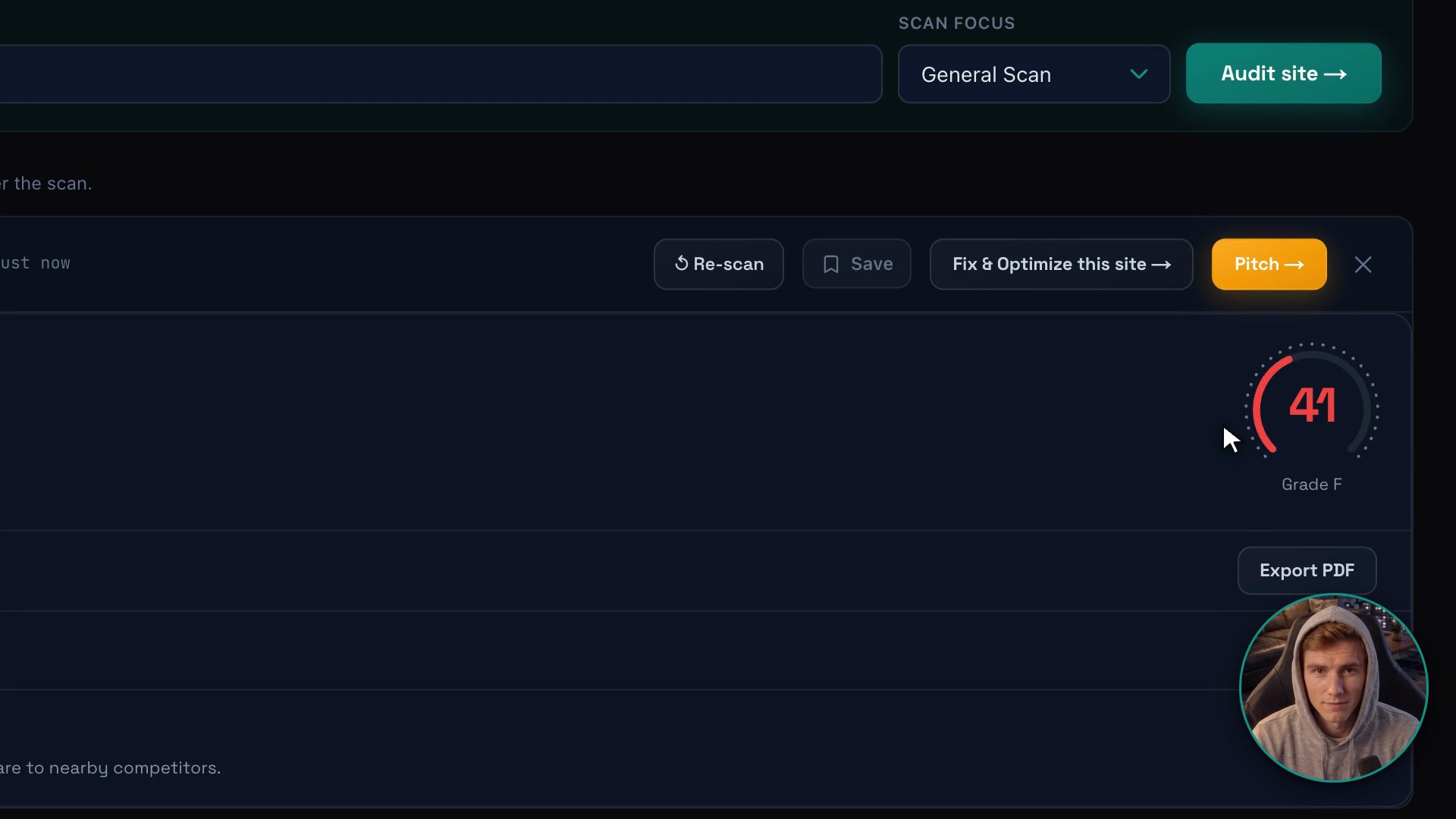
Paste the URL and bizvoid grades it into a 0–100 flaw score across performance, mobile, SEO, accessibility and security, the same audit used for any site on bizvoid.
2.Connect the GitHub repo behind it
Install the bizvoid GitHub App, pick the repository the site lives in, and confirm the business name and live domain. bizvoid verifies you control that domain and reads the repo's default branch.
3.Preview the fix as a real diff
For a fixable flaw (a missing robots.txt, missing security headers, weak title/description tags, missing image alt text, or a tracking pixel), bizvoid computes the exact file change against the repo's current content and shows you the diff before anything is pushed.
4.Apply it and get a real pull request
Approve the fix and bizvoid re-checks the repo's current state one more time (so nothing stale ever gets pushed), then opens a real GitHub pull request with that change. You review it on GitHub and merge it yourself, on your own timeline.
Today, GitHub, WordPress and Wix are the connect options that are live. A WordPress or Wix site gets its fixes applied directly instead of as a pull request. Connecting a Shopify store for this same audit-and-fix workflow is marked "Coming soon" and isn't available yet.
What makes it different
A pull request, not a silent push
Every applied fix lands as its own branch and pull request on GitHub, not a direct commit to your default branch. Nothing goes live until you review and merge it.
Re-checked right before it pushes
The exact diff you approved is never pushed blind. bizvoid recomputes it fresh against the repo's current state at apply time, and if the repo changed since your preview, it stops and asks you to re-preview instead of pushing something stale.
Fixes named issues, not a generic rewrite
Each pull request targets one category of flaw your audit actually found: a missing robots.txt, missing security headers, a weak page title or meta description, missing image alt text, or an install-and-forget tracking pixel.
Works on a site bizvoid never built
This is specifically for a site you or a client built outside bizvoid. Connect its GitHub repo and the same audit-and-fix workflow bizvoid runs on its own generated sites applies to it too.
Domain ownership verified automatically
Connecting a repo also verifies you control the domain it serves, so a fix can't be pushed toward a business's site by someone who doesn't actually run it.
FAQ
Does this auto-push changes to my live site?
No. Applying a fix opens a real GitHub pull request against the repository you connected. Nothing merges automatically, and nothing reaches your live site until you review the pull request and merge it yourself.
What platforms can I connect a site from today?
GitHub, WordPress and Wix are live today. A GitHub repo gets its fixes as a pull request. A Wix site, connected through bizvoid's Wix app, gets its tracking pixel, robots.txt and title and description fixes applied directly, with no pull request. A WordPress site, connected with the free BizVoid Connector plugin, gets those and more applied directly too, such as security headers, image alt text and a cookie banner. Connecting a Shopify store for this same audit-and-fix workflow is marked "Coming soon" and is not available yet.
What kinds of fixes can it push as a pull request?
Categories your audit already flags and can push as code: a missing or misconfigured robots.txt, missing security headers, weak page title/meta description tags, missing image alt text, and tracking-pixel setup. Not every flaw on the report is one of these; unsupported flaws are reported but not proposed as a diff.
How does bizvoid make sure the pull request matches what I approved?
When you approve a previewed diff, bizvoid recomputes that exact fix again from the repo's current live content right before pushing. If the repo changed in the meantime, it refuses to push and asks you to re-preview instead of opening a pull request against stale content.
How does connecting a repo prove I own the site?
The connect flow asks for the live domain the repo serves and verifies you control that domain as part of connecting it, the same verification bizvoid requires before letting any fix be applied to a site.
Is this free?
Auditing a site is available to try for free. Pushing a fix to a connected GitHub repo as a pull request is a paid-plan feature (Starter, Pro, or Agency).
Fix it with a pull request, not a rebuild
Audit any site free, then connect its repo when you're ready to push a fix.
Get started →